Automatic Adjustment of Volume Dynamics and Equalization
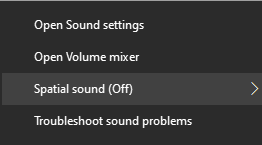
1. Right click
the speaker icon  and choose Open Sound Settings from the menu which appears.
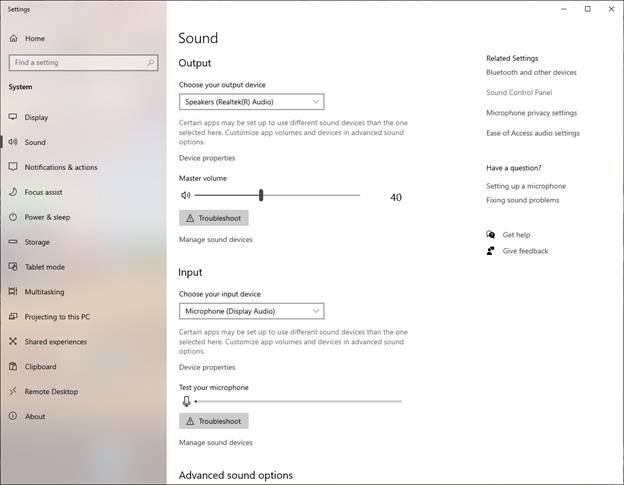
2. Next click
on Sound Control Panel – over toward the upper right:
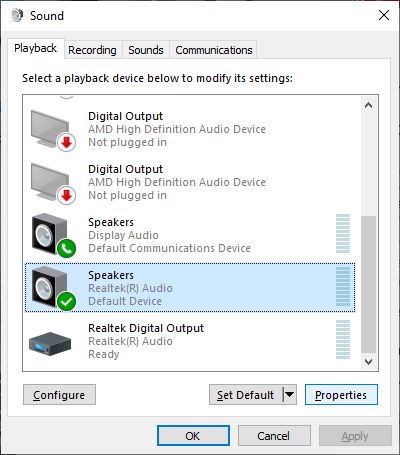
3. Click Playback,
Speakers, Properties.
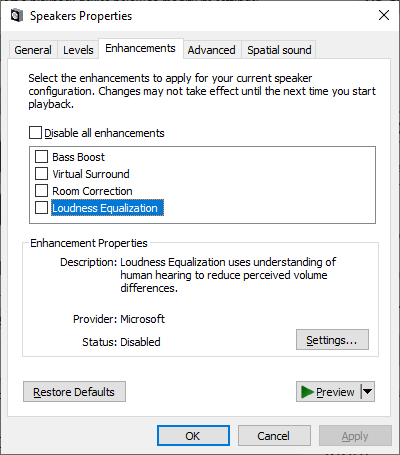
4. Click Enhancements,
Loudness Equalization, OK.
5. That is
all. Now your playbacks should all have the same loudness!
References
https://www.howtogeek.com/115656/3-ways-to-normalize-sound-volume-on-your-pc/